
Troubleshooting Figma plugin
No wireframes kit
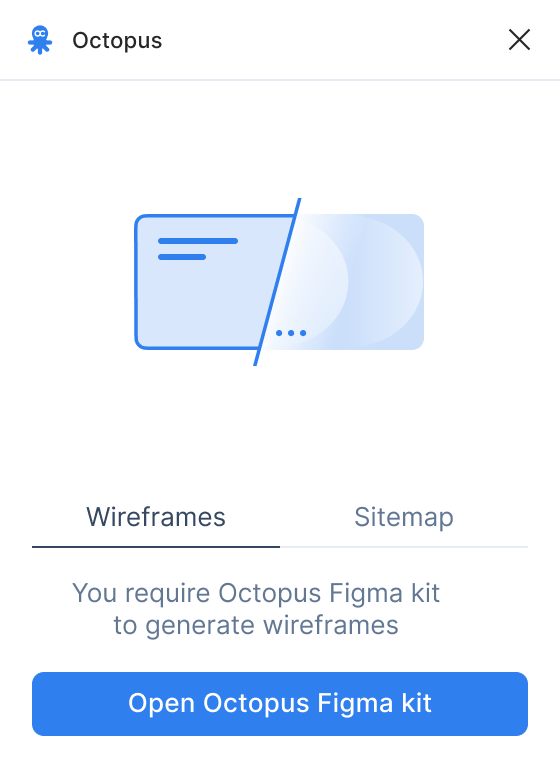
To generate wireframes, you are required to get Octopus Wireframes kit. Go to Figma community page, and click Open in Figma to duplicate file to your workspace. Then run the plugin in that file, and import the project.
Pages unavailable to select
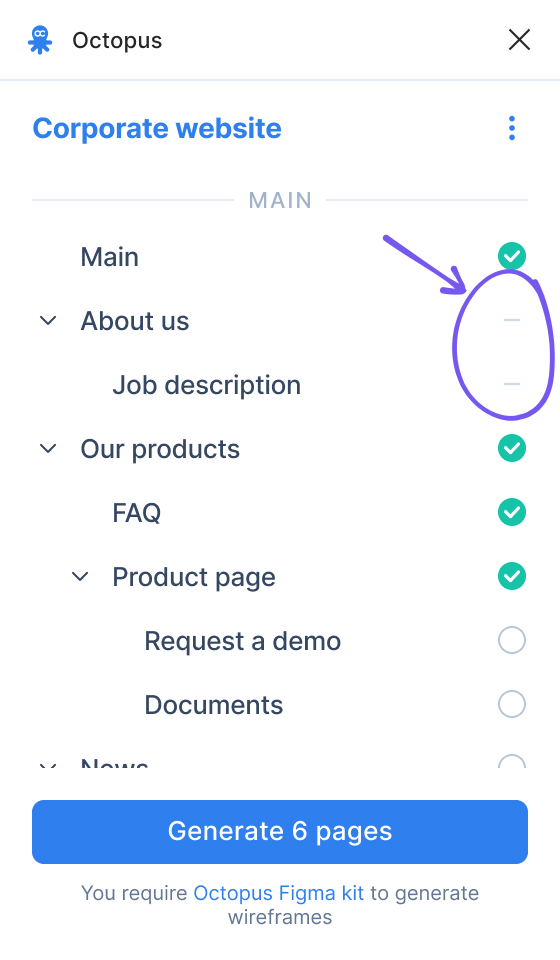
For wireframes generation a page must have at least one block with minimum one wireframe. If your page is unavailable to select in the plugin page select screen, go back to your Octopus project, add blocks and/or wireframes to that page, and re-import the project in the plugin.
Project not found
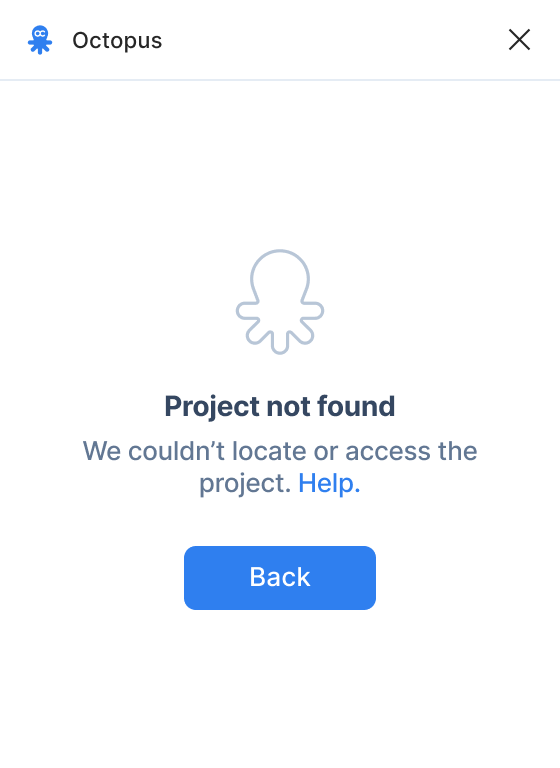
In all cases this error is because the project URL returns 404 error, which means that the project URL is incorrect, or the project was deleted. We suggest checking the URL first, there may be an excessive space, or a typo.
Unknown error
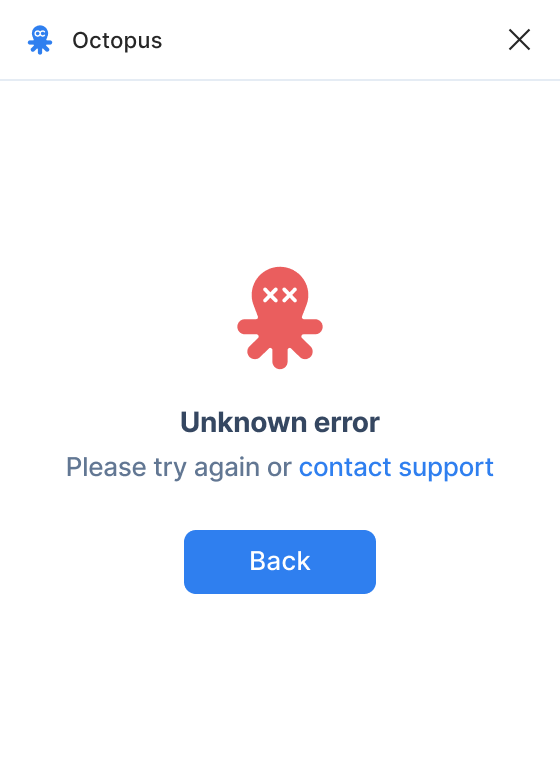
All other cases fall under this type of error. The most frequent reason is that the project is password protected, or is restricted to members-only — please change access rights to Anyone with the link (publicly available), and try generating wireframes again.